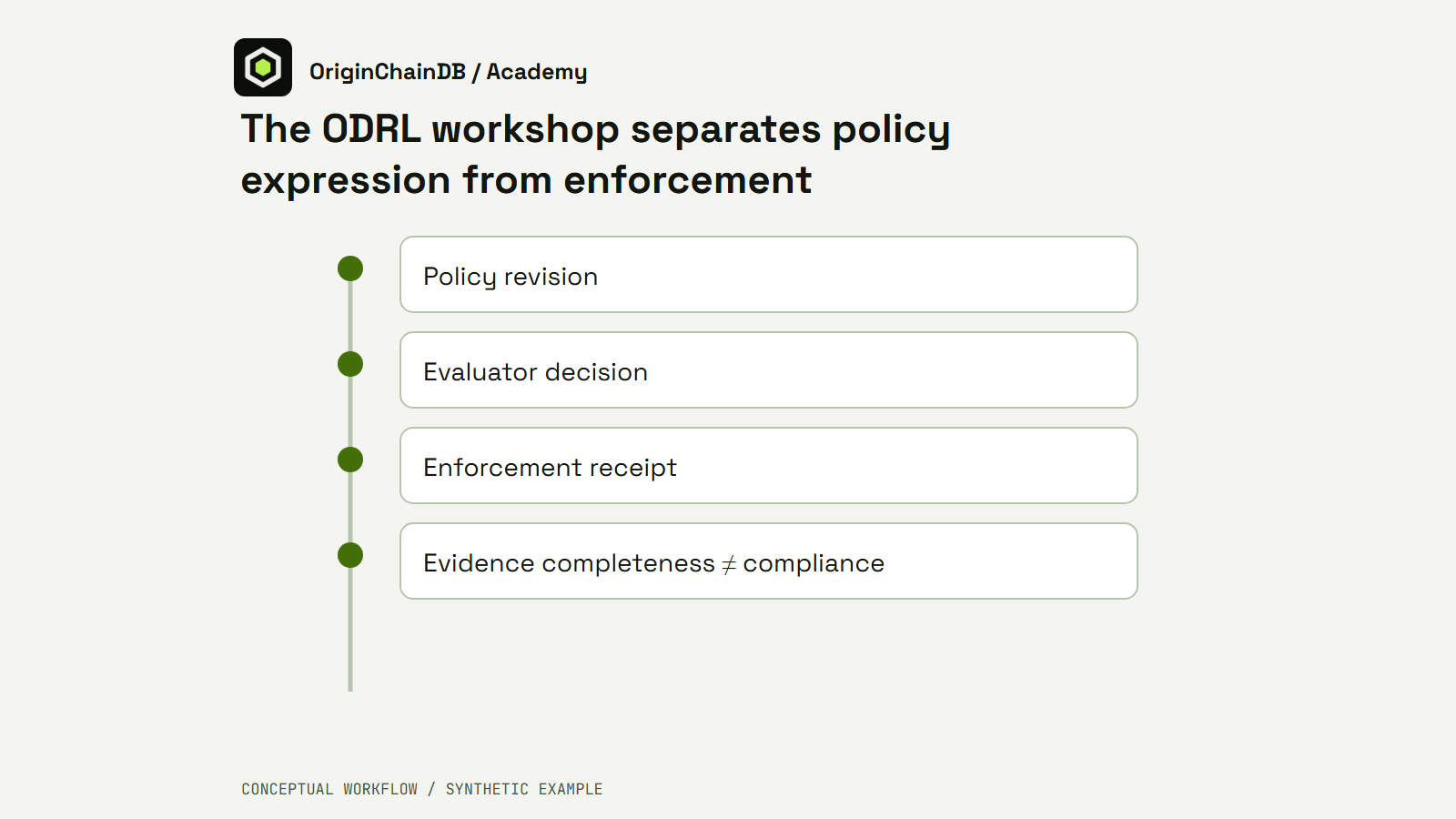
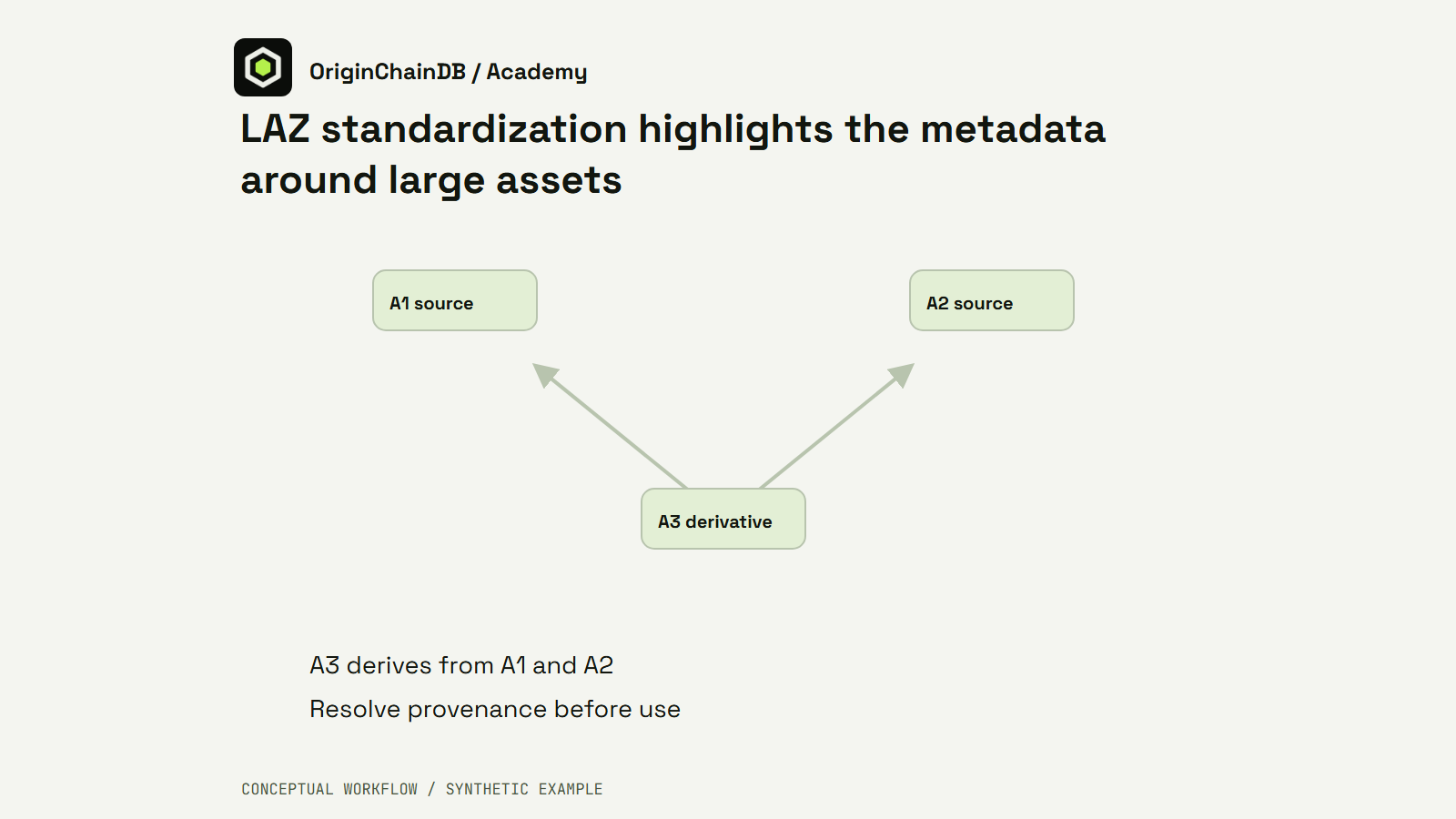
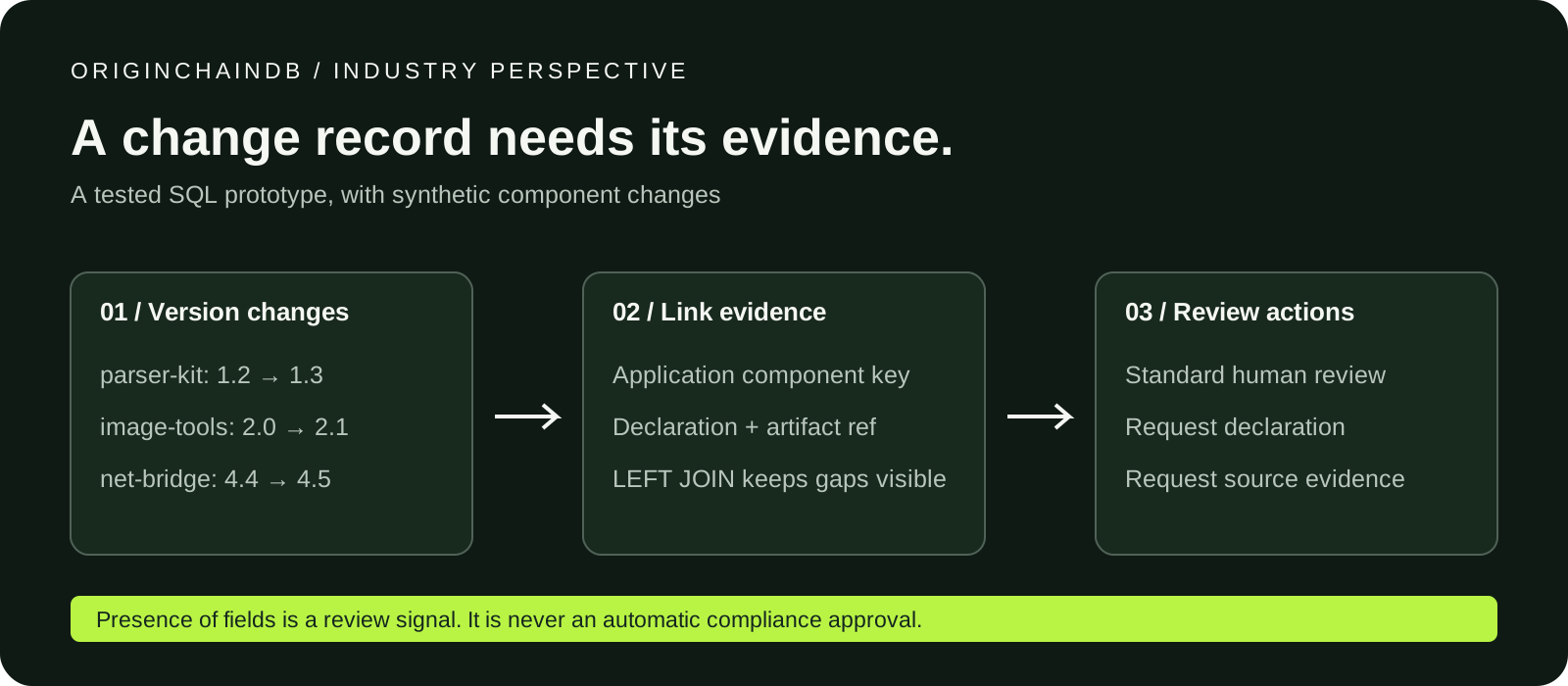
OriginChainDB can connect a component-change record to its evidence and expose the gaps in a review queue. Here is a small, reproducible SQL workflow, followed by a real console export and a local application handoff.
The database queries and CSV handoff below were executed on 9 October 2026 using synthetic records.
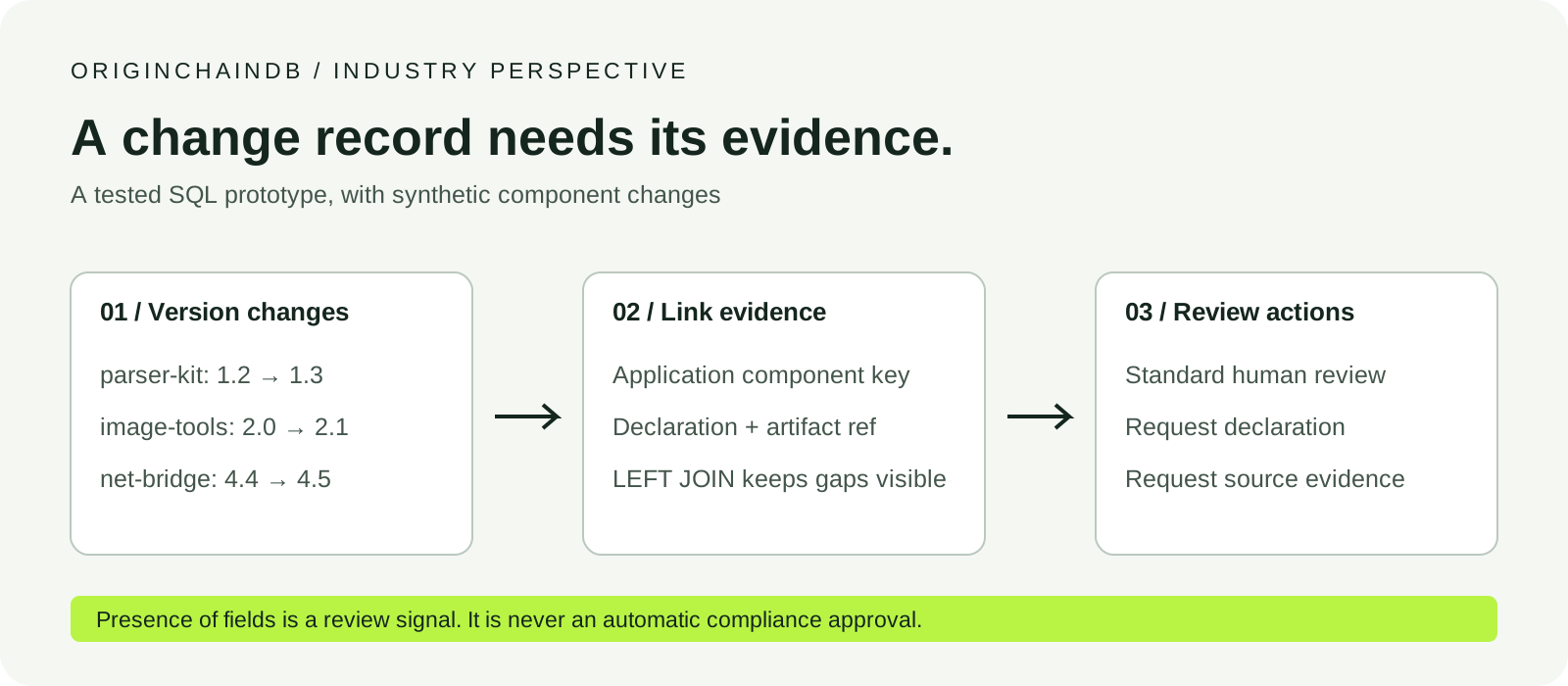
Open the workflow illustration at full size · Dark version
The development
On 5 October, SPDX announced four additions to its tools directory. They cover work including reviewing SBOM changes, assessing SBOM quality, generating inventories and keeping product records. That expansion raises a practical question for engineering teams: once a component changes, can the reviewer find the corresponding source evidence? Read the SPDX announcement.
A software bill of materials describes software components. A review workflow also needs to connect a particular change to the artifact and decision being examined. Our proposed application keeps that operational record in OriginChainDB. The tested part is deliberately small: two SQL tables, a join, a three-row export and a local routing script.
1. Define the integration boundary
Keep the SBOM generator or comparison tool responsible for producing and validating its own format. An application adapter would map its output into a component-change record, retaining the original documents and provenance separately. The tables here are an application-defined model; OriginChainDB is not being presented as a native SPDX importer.
For this prototype, the team supplies explicit keys such as demo-a. Those keys connect a version change to an evidence reference. Real deployments need a documented identity-mapping rule across releases; a name or document-local identifier alone should not be assumed to establish that mapping.
2. Load a tiny, inspectable change set
Open the console, select the intended demo instance, and open Workbench → New query → SQL. Run the statements in the SQL resource one at a time in a new namespace. The resource creates component_changes and review_evidence. If that namespace already exists, inspect it and use a fresh name for a new run.
The three fictional components have explicit previous and current versions. One has a missing declaration marker; another has no matching evidence row. They are designed to make the rule visible, rather than to represent a customer inventory.
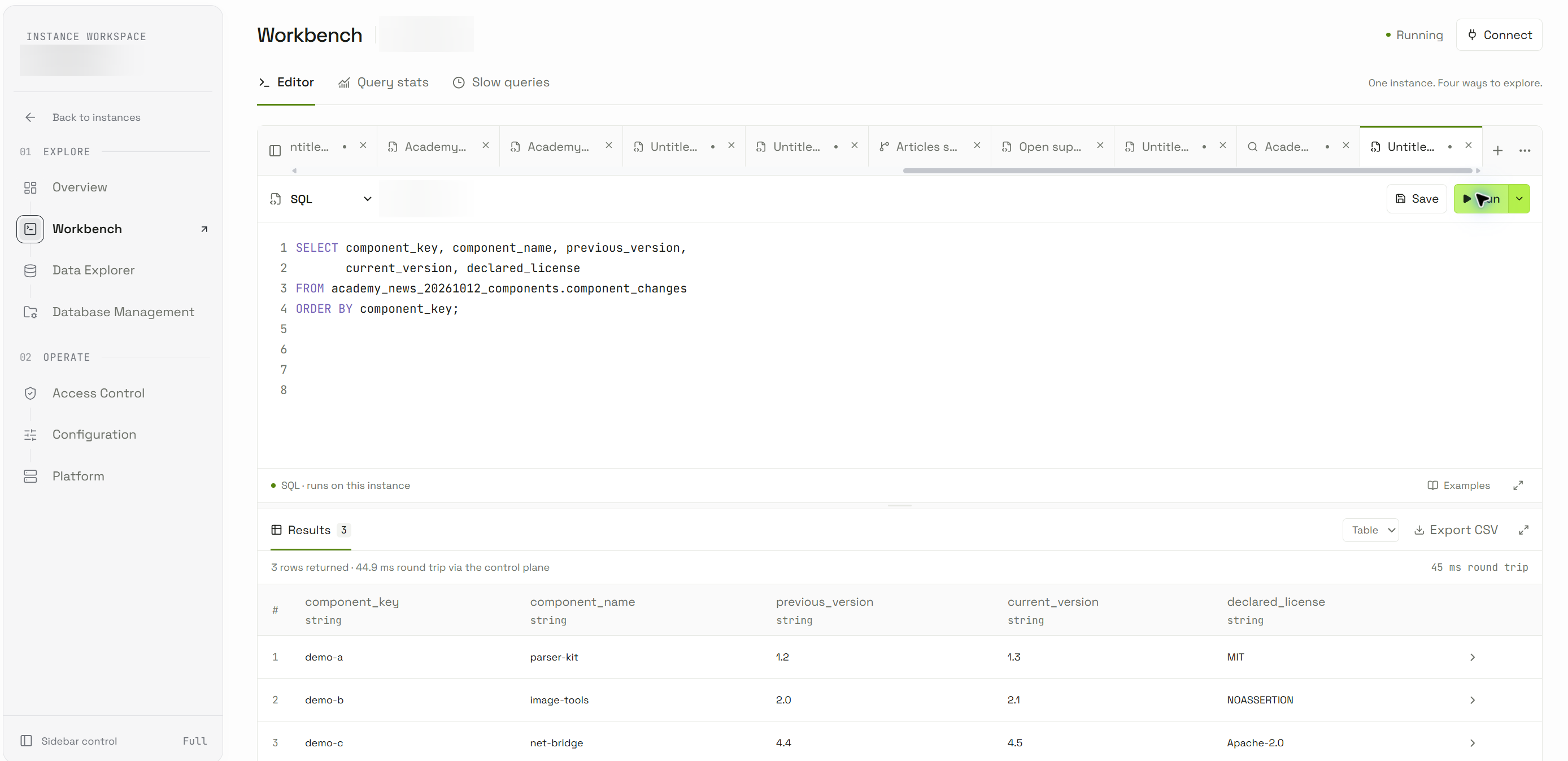
Figure 1. Actual console inputs. The three component names and all artifact references are synthetic; private instance labels were blurred before the image was saved.
3. Keep missing evidence in the result
The query starts from the complete change set and uses a LEFT JOIN. A change without an evidence row remains visible. Its CASE expression first flags the demonstration’s NOASSERTION marker, then a missing evidence match, and otherwise returns ready_for_review.
This ordering matters: if both pieces are missing, this example shows the declaration issue first. An application that needs every finding should model separate flags or review tasks instead of treating one status as the complete assessment.
SELECT c.component_key, c.component_name, c.current_version,
       c.declared_license, e.artifact_ref,
       CASE WHEN c.declared_license = 'NOASSERTION' THEN 'declaration_missing'
            WHEN e.component_key IS NULL THEN 'evidence_missing'
            ELSE 'ready_for_review' END AS review_state
FROM academy_news_20261012_components.component_changes c
LEFT JOIN academy_news_20261012_components.review_evidence e
  ON c.component_key = e.component_key
ORDER BY component_key;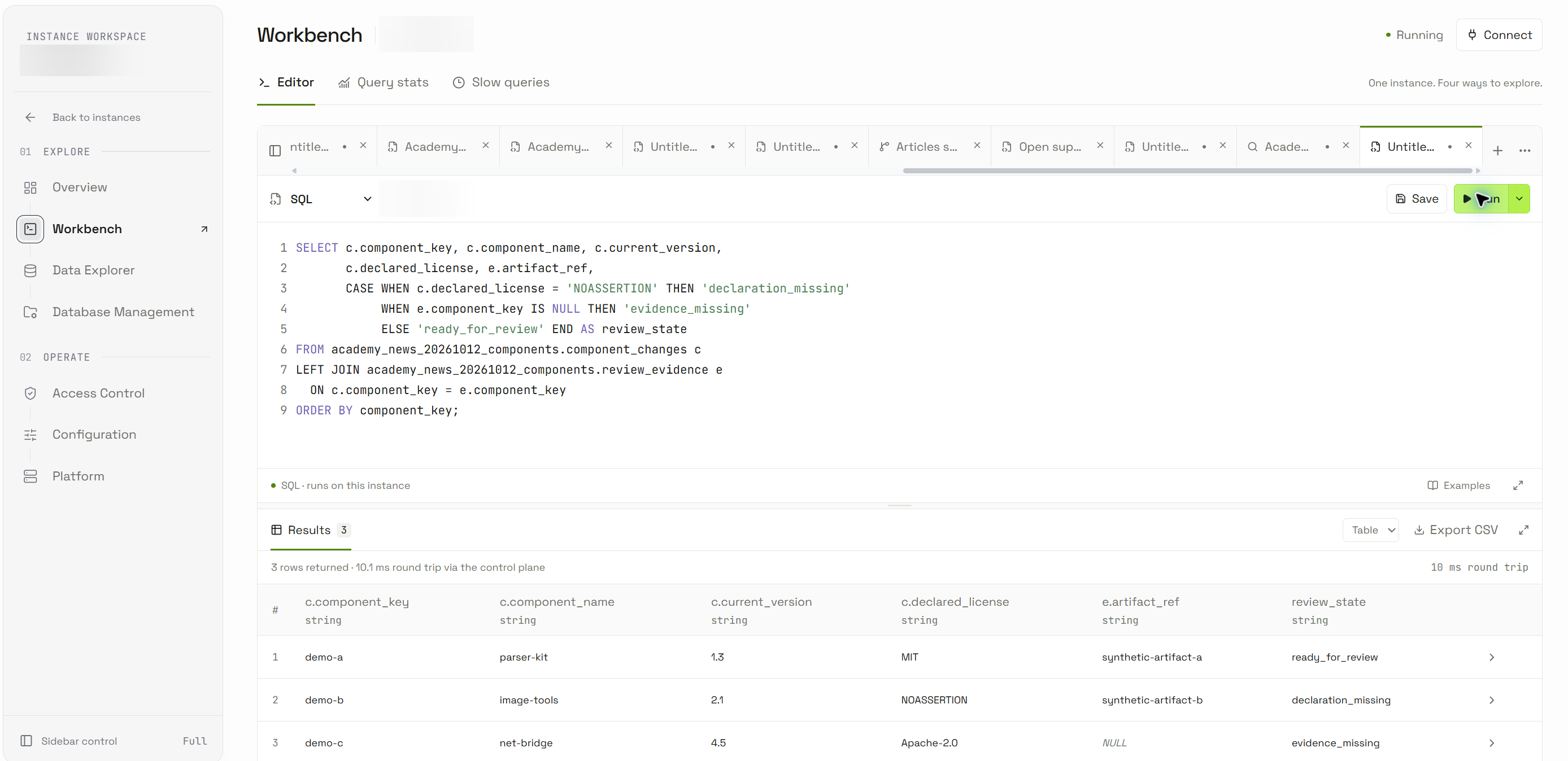
Figure 2. The query as executed. It checks the two modeled conditions; it does not evaluate license compatibility or the contents of an artifact.
4. Explain the observed result
| Component | Observed state | Reason in this fixture |
|---|---|---|
| parser-kit 1.3 | ready_for_review | A declaration and a matching artifact reference are present. |
| image-tools 2.1 | declaration_missing | The declared field contains the example’s missing-declaration marker. |
| net-bridge 4.5 | evidence_missing | The evidence table has no matching component key. |
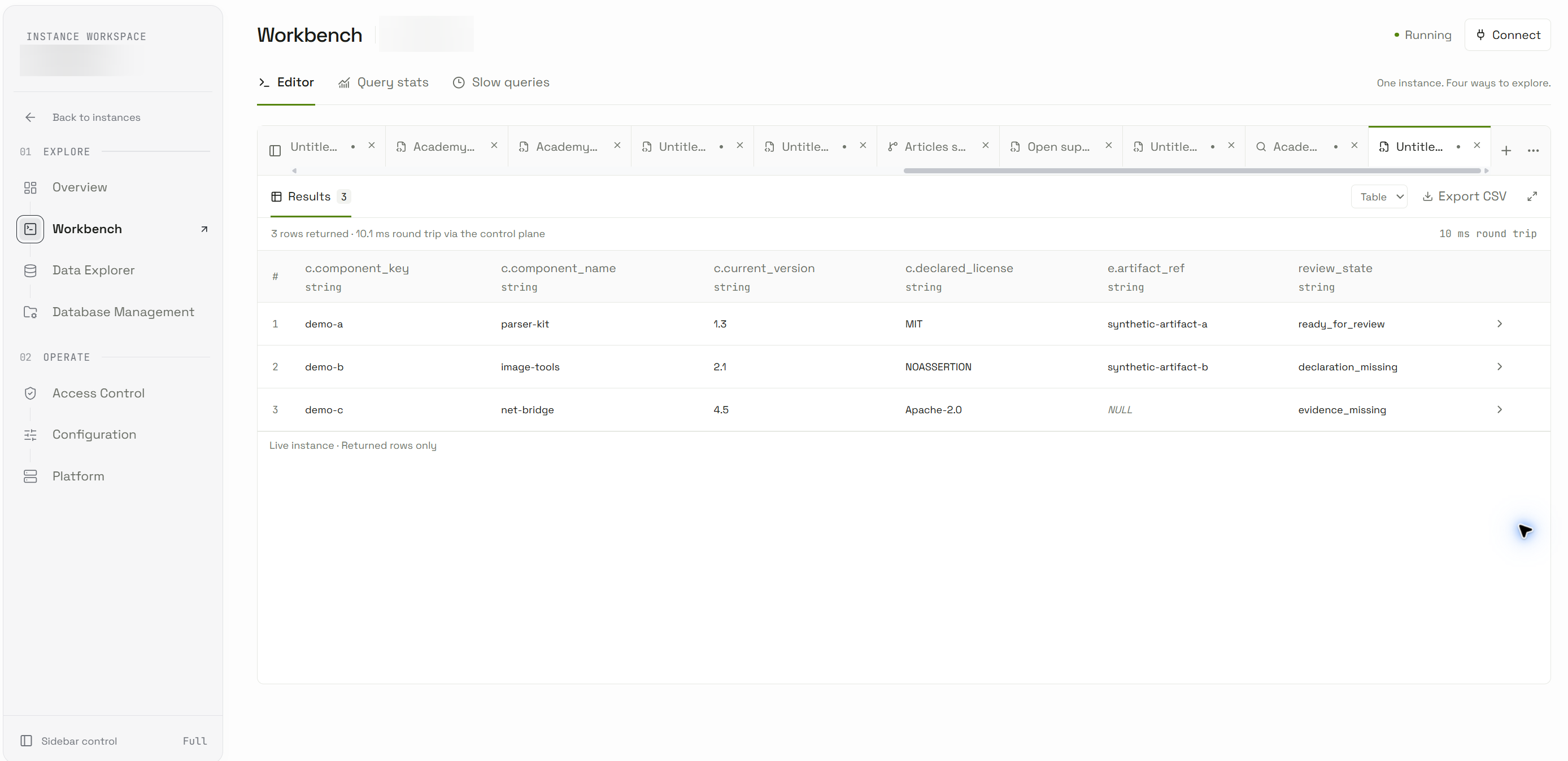
Figure 3. The actual three-row result. ready_for_review means only that the two modeled inputs are present. It is not an approval, certification or vulnerability assessment.
5. Hand the result to an application
Click Export CSV after checking that the successful result is the intended query. We exported these live rows and ran the supplied Python adapter locally. It rejects missing columns, repeated component keys and unknown states, then maps each state to a review action.
python route-review-rows.py live-review-result.csvThe executed output routed demo-a to standard_review, demo-b to request_declaration, and demo-c to request_source_evidence. Every row retains human_review_required: true. Inspect the actual local output. The adapter writes JSON only; it did not send tickets or contact another service.
A production service could replace the manual export with an authenticated query through a supported client, then present the same review queue. That automated path, the upstream SBOM adapter and external ticket creation are proposed integration work; they were not executed in this example.
6. Make the next iteration dependable
Before expanding the prototype, define how document revisions and component identities are preserved, how missing and blank declarations are normalized, and how multiple evidence artifacts relate to one change. This tiny table permits one evidence row per key; a real many-to-one evidence model needs an explicit selection or aggregation rule to avoid unexpected duplicate results.
Keep original artifacts in an appropriately controlled location and store resolvable references and provenance. Treat SBOM contents and names as untrusted input when importing or displaying them. Parameterize application writes, scope the database identity to its task, and make retries distinguish a repeated import from a new revision.
The useful contribution is an inspectable connection between a change and its evidence. OriginChainDB’s tested SQL behavior lets this prototype retain missing matches, label a review queue and hand the resulting rows to a small application. The next step is to validate the adapter and review policy against the team’s actual data contract.
Reproduce and inspect
Tested through the live OriginChainDB console on 9 October 2026. Deployment version was not exposed by this workflow. Timings visible in screenshots are single observed round trips, not benchmarks.