Find beyond the wording.
Use similarity to retrieve passages that relate to the question, even when the phrasing is different.
Search & RAG
Give your application relevant passages, exact matches and the source records behind them. Build answers people can trace back to the original information.
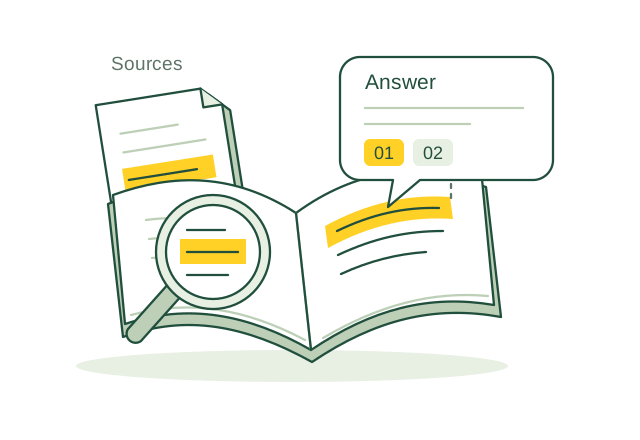
Find relevant passages. Give your application the sources for its answer.
Illustrative applicationWhat you can build
Use similarity to retrieve passages that relate to the question, even when the phrasing is different.
Use full-text search for names, identifiers and specific terms that a useful answer needs to preserve.
Link retrieved IDs to source text, document versions and page references your application can cite.
The application workflow
Prepare passages once, then choose the retrieval signals that help your application answer its questions.
passage_id text document_id page version Your schema, built around your application.
Split documents into passages and store their source information. Configure a table full-text index and an embedding workflow for the fields you need.
Run vector and full-text queries separately. Merge ranked IDs in your application, remove duplicates and load the source rows.
Check access, select useful passages and send them to your generation model with their citations. Retain those references in the response.
How it fits together
 OriginChainDB
Stores source records, embeddings and text indexes. Returns relevant matches and the IDs needed to recover their original context.
Coordinates ingestion, merges retrieval results, checks eligibility and calls the generation model. Owns the prompt, citations and answer evaluation.
Table full-text indexes follow row changes. Dedicated configurations support saved embedders and scheduled embedding runs. Application-supplied vectors and explicit document-index entries need their own update and retry workflow.
Build for real use
Keep document IDs, locations and versions attached through retrieval and prompt construction. Evaluate using questions with known supporting passages.
Let the application ask for clarification or decline to answer when the retrieved passages do not support a response.
The vector hybrid endpoint combines dense and sparse vector rankings. Combining those results with the BM25 text index is a separate application workflow.
Build with OriginChainDB