Distributed multimodal database
One database.
Four data models.
Build search, agents, and connected applications with SQL, vector similarity, graph traversal, and full-text search in one managed engine.
Start free/Scale with dedicated resources
Why OriginChainDB
Your application needs
more than one kind of query.
- One engine to work with
- Keep structured records, vectors, relationships, and search indexes in one database.
- Context you can connect
- Use record identifiers to connect a search result to its source and related data.
- Your application stays in control
- Choose the queries, combine the results, and apply the rules that matter to your product.
01 / Four data models
Give each question
the right query.
Start with the model you need. Add other query types as your application grows.
Query your records.
Filter rows, join tables, and aggregate the data your application runs on.
01 / Explore SQLFind similar meaning.
Search your embeddings for similar items, passages, and memories.
02 / Explore VectorFollow relationships.
Traverse relationships to reveal the context between your records.
03 / Explore GraphMatch the words that matter.
Retrieve relevant documents with ranked full-text and phrase search.
04 / Explore Full-text02 / How it works
See how the pieces connect.
One support manual. Four useful ways to find the answer.
passage:07 AX-7 service manual
Replace the battery when capacity drops. Disconnect power before servicing.
- Product
- AX-7
- Version
- 3
Which passages cover AX-7?
passage:07Battery replacement
Product AX-7 · version 3
Read the source row behind the result.
03 / Inside the console
All your data.
One place to work.
Inspect rows, explore embeddings, trace connections, and read search results in the same workspace.
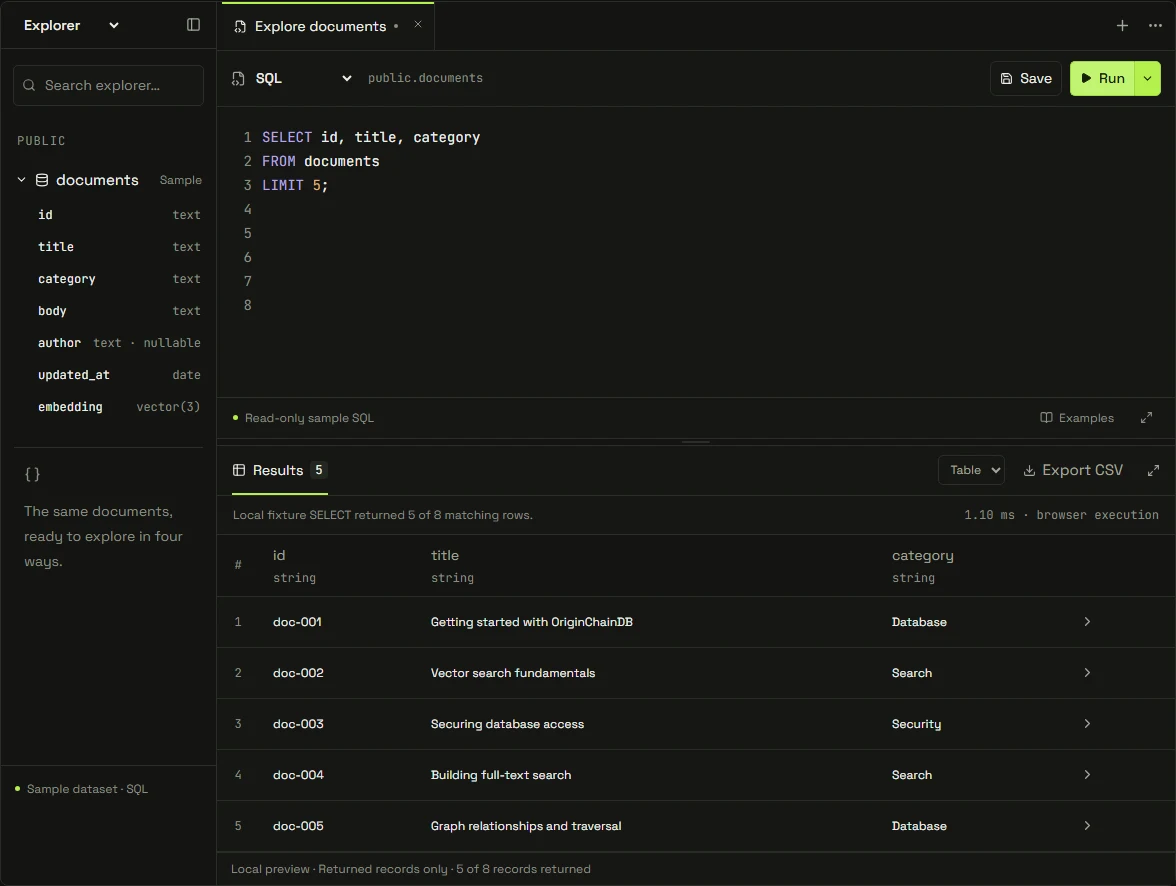
Write SQL. Inspect results. Understand the plan.
Explore SQL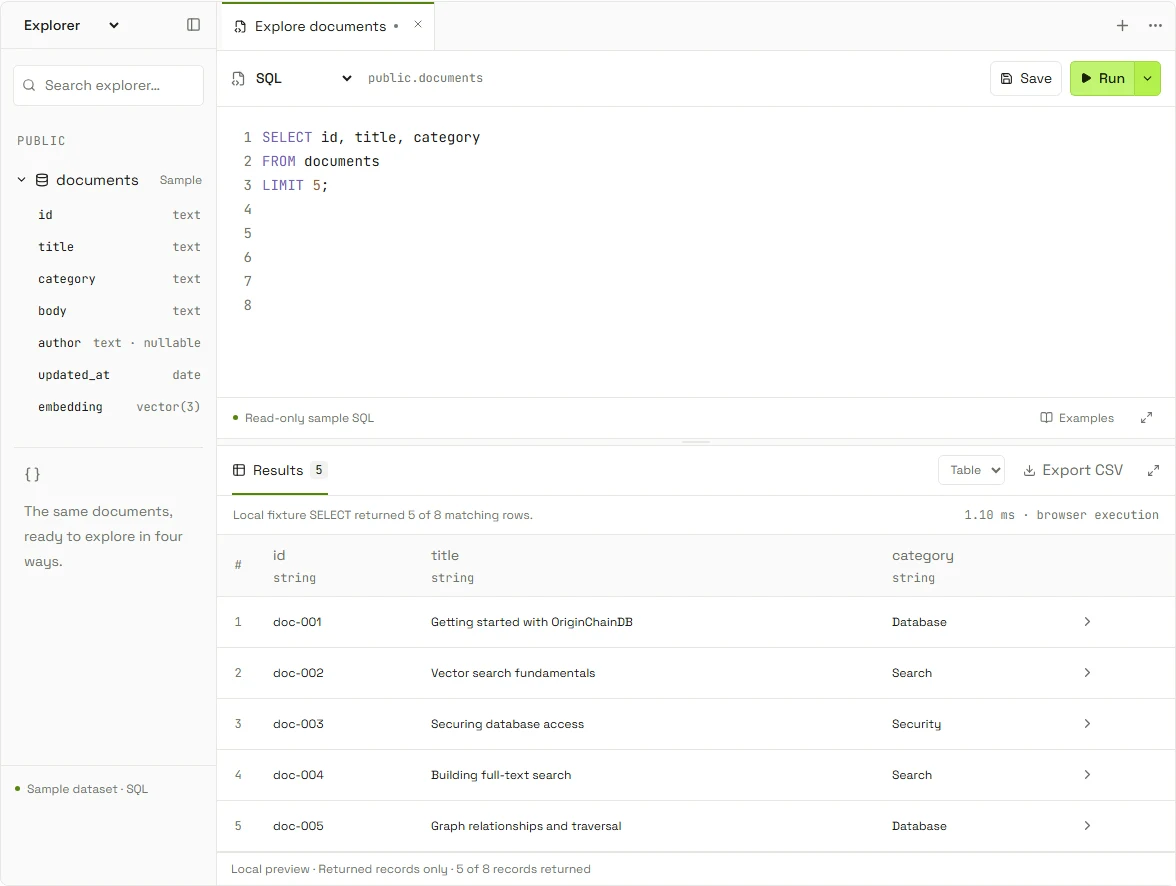
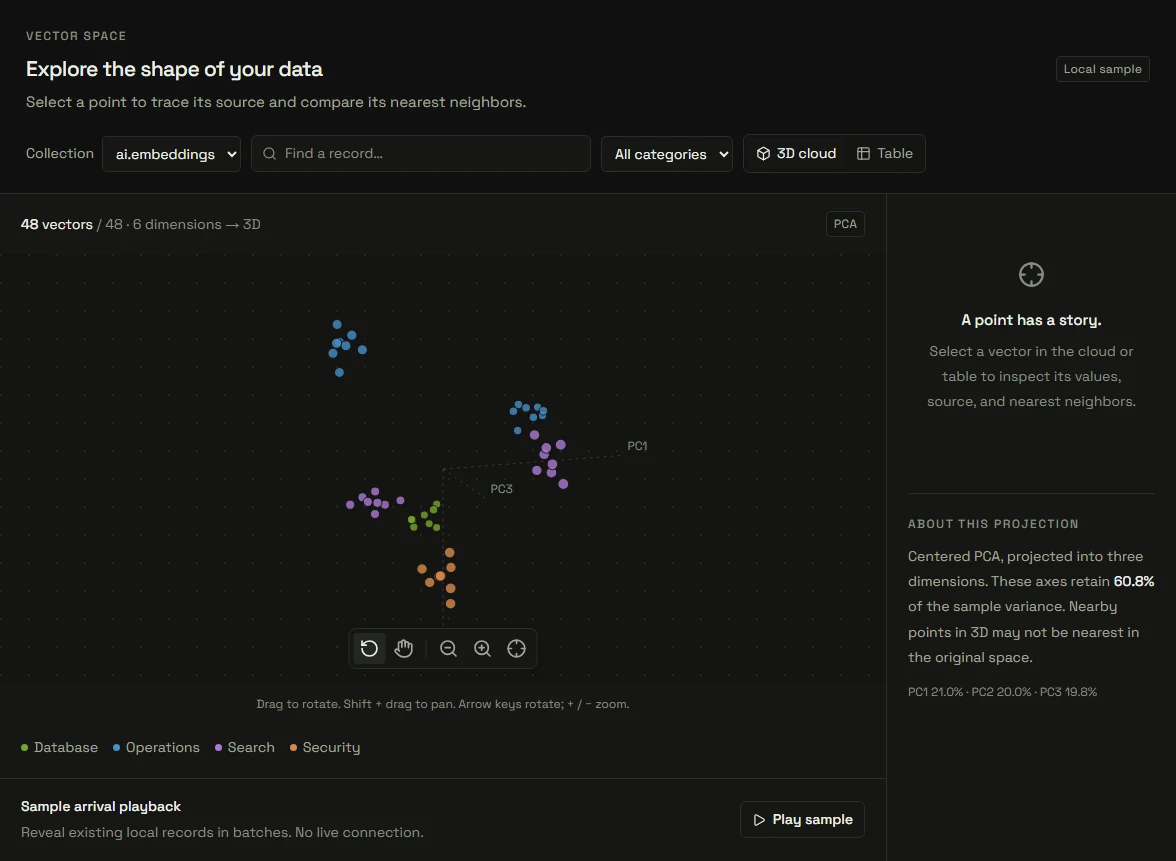
Explore embeddings and their nearest neighbors.
Explore Vector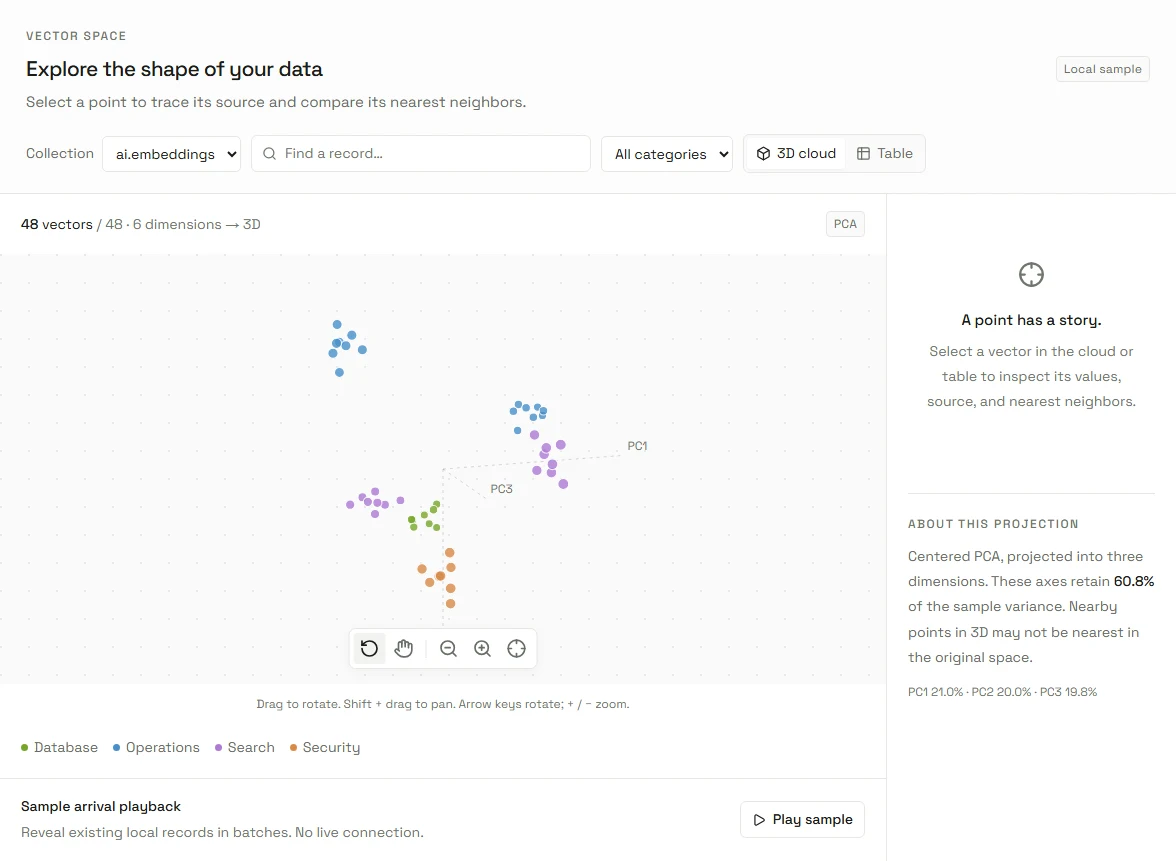
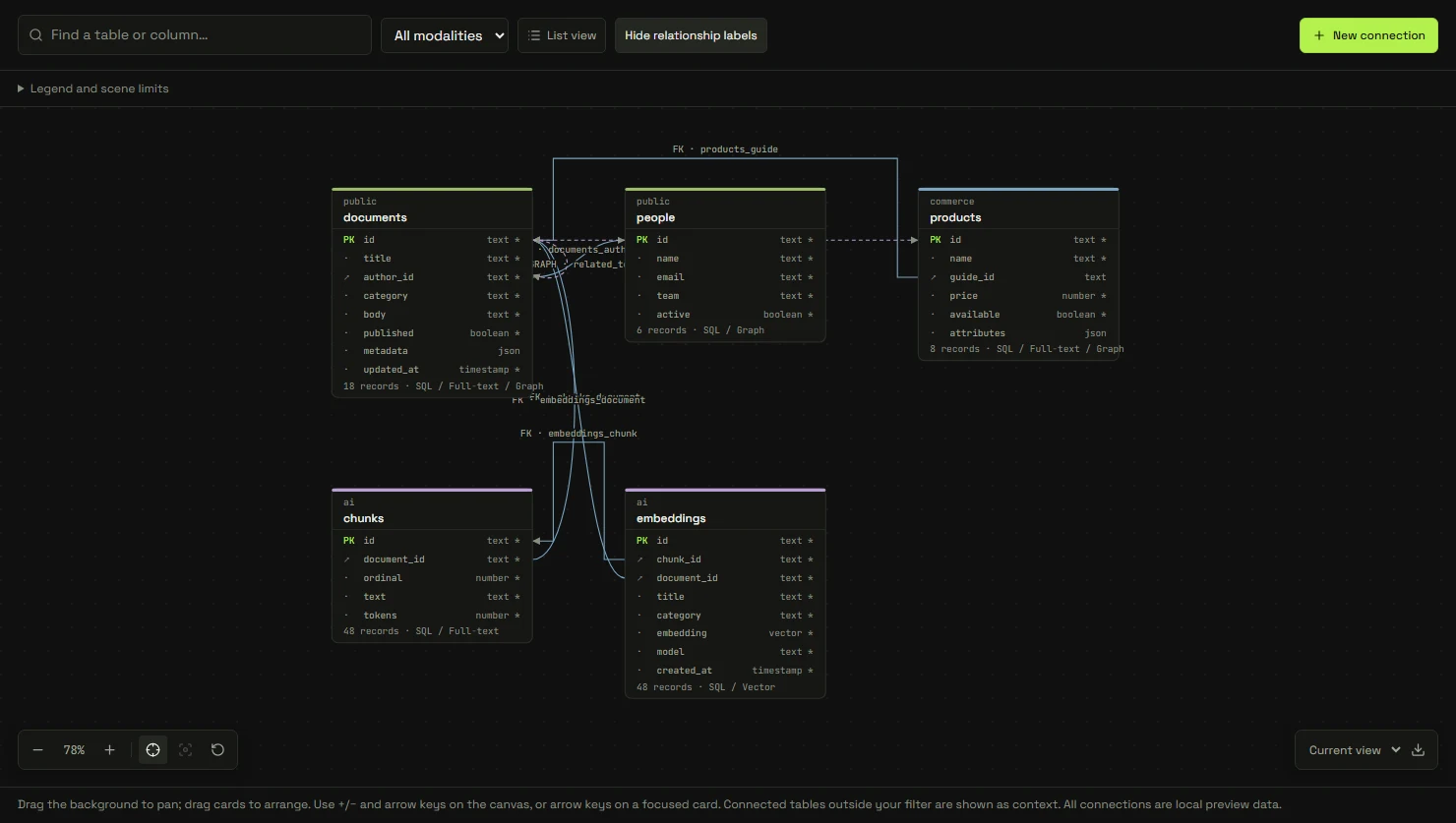
Map relationships across tables and namespaces.
Explore Graph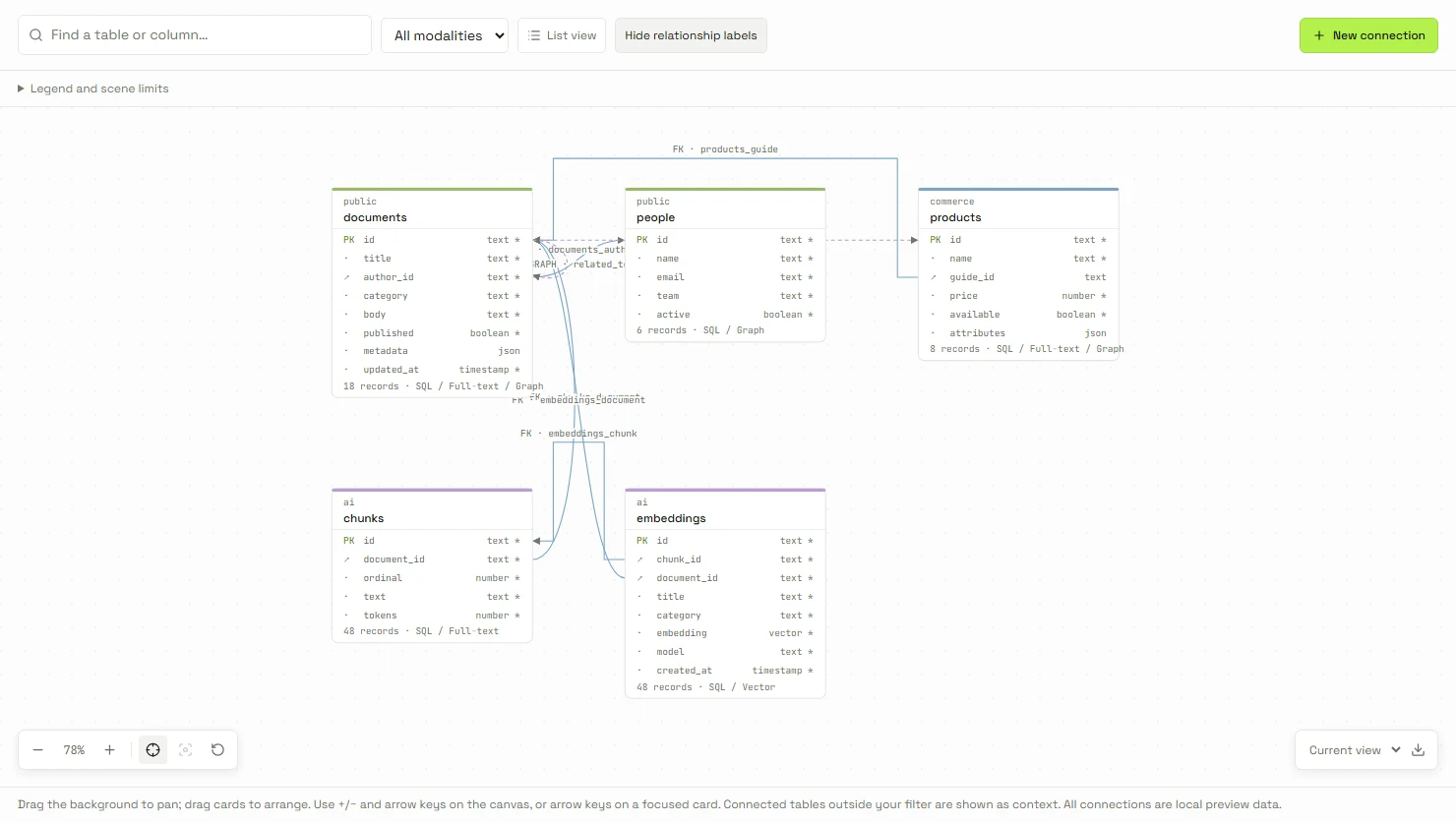
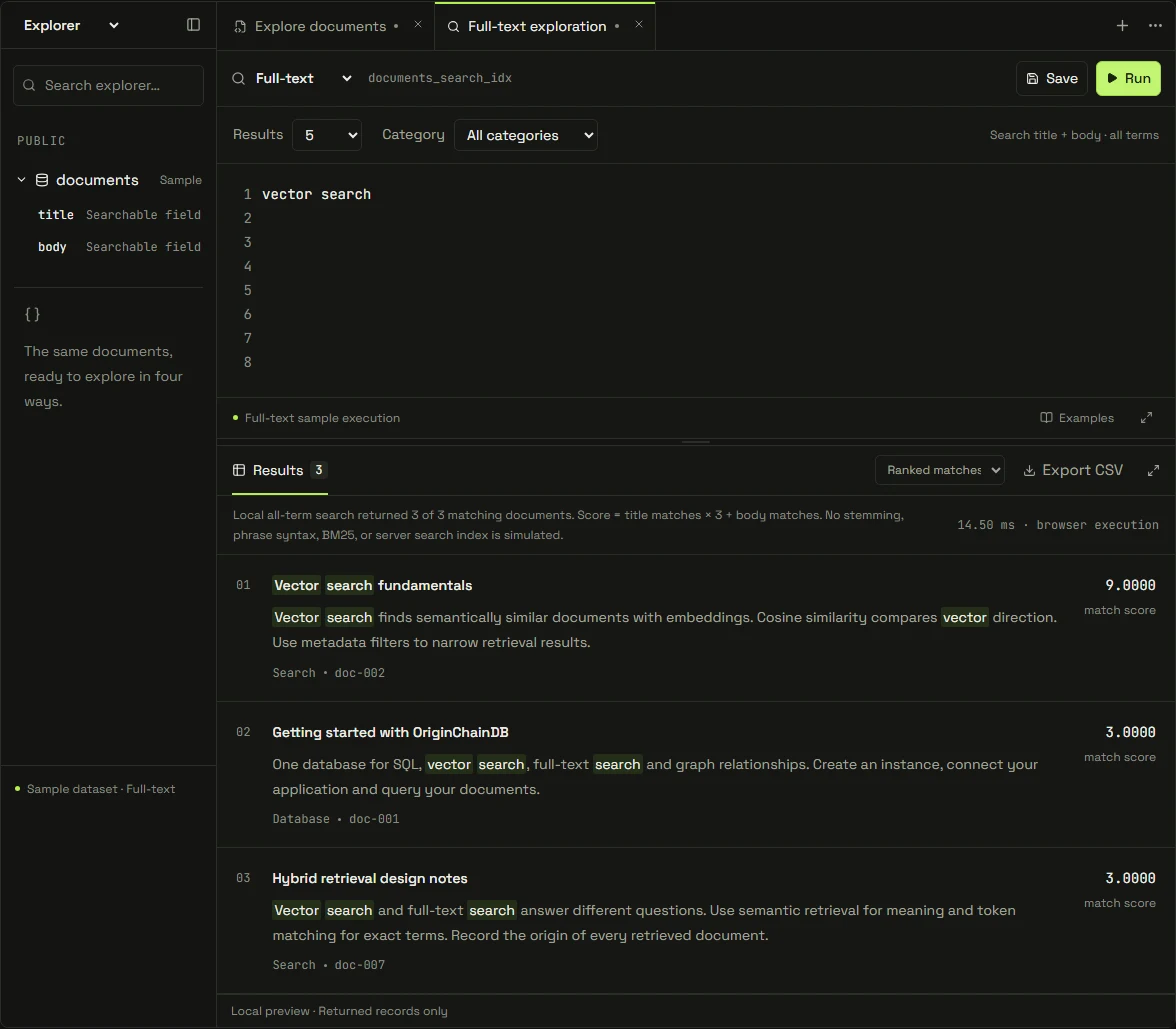
Search documents and inspect the matching text.
Explore Full-text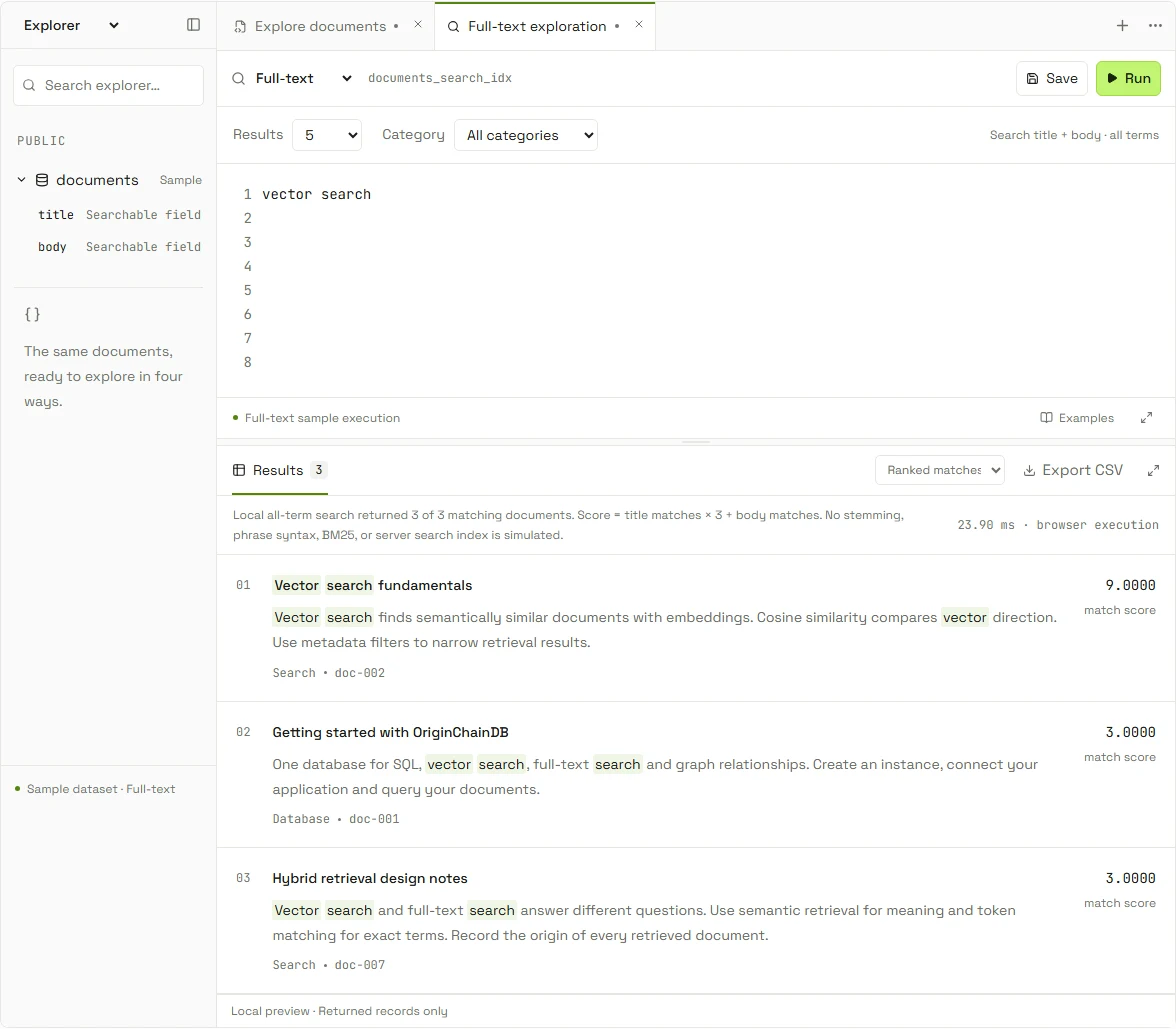
04 / Built for developers
Start with a query.
Go from a table to an application result. Use SQL directly or send it over the HTTP API.
SELECT id, title
FROM public.documents
LIMIT 3;
curl --request POST \
"$OC_URL/v1/tenants/$OC_TENANT/sql" \
--header "Authorization: Bearer $OC_TOKEN" \
--header "Content-Type: application/json" \
--data '{"sql":"SELECT id, title FROM public.documents LIMIT 3;"}'| id | title |
|---|---|
doc-001 | Getting started |
doc-002 | Vectors and similarity |
doc-003 | Relationships in your data |
Example only. No request is sent.
Get your connection details.
Set
Open the quickstartOC_URL,OC_TENANTandOC_TOKENfrom your instance.Create and populate the table.
This example requires
Create your first recordspublic.documentswithidandtitlecolumns.Read your data.
Run the SQL in your workbench or send the HTTP request from your application.
Explore the query API
First-party SDKs
Connect your tools
PostgreSQL wire: limited preview. Elasticsearch: supported API subset.
05 / Deployment & operations
Start with an idea.
Build for production.
A managed database, in your region. Start free, then choose dedicated resources for your workload.
Your region. Your resources.Dedicated configurations run on single-tenant compute.
Connected across nodes.Add a warm standby with asynchronous replication.
Plan access and recovery.Configure access controls and daily snapshots for dedicated instances.
Your chosen region

Illustrative dedicated topology Read the details ↗
06 / Built around your workload
What will you
build with it?
Search & RAG
Retrieve passages by meaning and keywords, then give your model source-backed context.
Vector / Full-text / SQLAI agents
Keep run state, retrieve useful memories, and trace the records behind each step.
SQL / Vector / GraphRecommendations
Find similar items and connected interests. Apply your own eligibility and ranking rules.
Vector / Graph / SQLFraud investigation
Follow shared accounts, devices, and transactions to inspect connected activity.
Graph / SQLPersonalization
Use session preferences and relevant content to shape what your application shows next.
SQL / Vector / Full-textOperational analytics
Group orders, count events, and inspect the records behind your application's metrics.
SQL07 / Make an informed choice
Look inside.
Then put it to work.
Review the architecture, test your workload, and know what your application will own.
Understand what runs underneath.
Read about the engine, indexes, persistence, and replication.
02BenchmarksInspect the test before the number.
Check workloads, configurations, and methodology before comparing results.
03CompatibilityCheck the queries your app needs.
Review supported SQL and adapter behavior before planning an integration.
What does multimodal mean here?
Four ways to work with data in one engine: SQL for records, vector search for similarity, graph traversal for relationships, and full-text search for words. Natural-language /ask is another query interface.
Explore the databaseDoes adding a record also create its embedding and search index?
Your application generates embeddings and uses the dedicated indexing APIs. Shared identifiers connect the results to their source records. Your application coordinates these writes and combines query results.
Read the vector data modelCan I use my existing database tools?
Use the HTTP API and SDKs, or supported wire and Elasticsearch adapters. Compatibility depends on the enabled adapter and its supported operations; check your queries against the integration guides.
Find an integrationHow do I move from an experiment to production?
Start on the free tier, then choose a dedicated configuration for your workload and region. Review access controls, capacity, snapshots, and the optional asynchronous standby before launch.
Plan your deploymentFrom the Newsroom
Inside OriginChainDB.
Product news, collaborations and our perspective on what comes next.
From your first query to your next application.